
Many Android users download APK files to enjoy apps, games, and tools. But before installing any APK, it is very important to check if the file is safe. Unsafe APK files can harm your phone, steal data, or slow down your device.
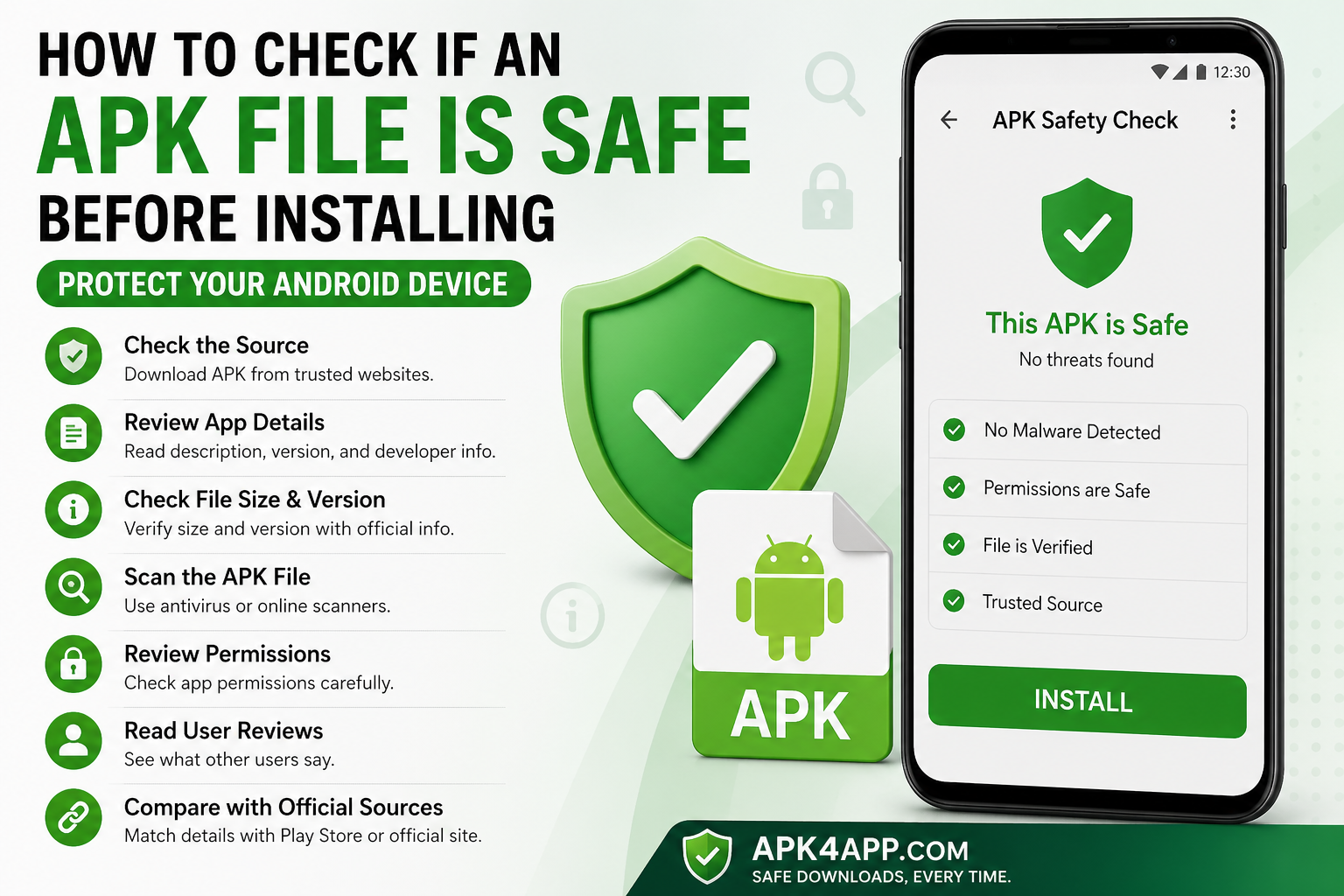
In this guide by APK4app.com, you will learn simple ways to check APK safety before installing it on your Android phone.
What Is an APK File?
An APK file (Android Package Kit) is the file used to install apps on Android devices. Every Android app is in APK format, whether it comes from the Play Store or is downloaded manually.
APK files contain all app data like code, images, and settings. That is why it is important to check them before installing.
Why APK Safety Checking Is Important
Checking APK files helps protect your phone from viruses and malware. Some APK files from unknown websites may:
- Slow down your phone
- Show unwanted ads
- Steal personal data
- Damage system performance
So always verify APK files before installation.
Signs of Unsafe APK Files
Here are some warning signs:
- Unknown or spammy websites
- Too many pop-up ads
- Missing app details
- No developer information
- Suspicious download buttons
If you see these signs, avoid downloading the file.
Check the Source of APK File
Always download APK files from trusted websites like APK4app.com.
A safe website usually provides:
- App version details
- File size
- Update date
- Clear description
Avoid random or unknown sources.
Read App Description Carefully
Before downloading, read the app details. A good APK file should have:
- Clear explanation
- Simple language
- Proper features list
If the description looks fake or unclear, avoid the file.
Check File Size and Version
Always check:
- File size (should look normal)
- App version (should be updated)
If the file size is too small or too large, it may be unsafe or modified.
Scan APK File Before Installing
Use antivirus apps or online scanners to check APK files.
Scanning helps detect:
- Malware
- Viruses
- Suspicious code
This step gives extra protection to your device.
Check App Permissions
When installing APK files, check permissions carefully.
Be careful if an app asks for:
- Contacts
- Messages
- Camera or mic (without reason)
Only allow permissions that make sense.
Read User Reviews
User reviews help you understand the app quality.
Look for:
- Positive feedback
- Real user experiences
- Warning comments
If many users report issues, avoid that APK.
Compare with Official Information
Check if the APK matches the official app details like:
- App name
- Version number
- Features
If something is different, the APK may be modified.
Benefits of Checking APK Safety
- Protects your phone from viruses
- Keeps your data safe
- Improves device performance
- Prevents app crashes
- Ensures smooth installation
Common Mistakes to Avoid
- Downloading from unknown sites
- Ignoring permissions
- Not scanning files
- Installing fake apps
Avoiding these mistakes keeps your device safe.
Best Safety Tips
- Always use trusted websites like APK4app.com
- Scan files before installing
- Check permissions carefully
- Keep your Android updated
- Read reviews before download
Frequently Asked Questions
What is an APK file?
An APK file is used to install Android apps manually.
Are all APK files unsafe?
No, only files from unsafe sources can be risky.
Can APK files harm my phone?
Yes, if they contain malware or viruses.
Why do apps ask for permissions?
Permissions allow apps to use phone features like storage or camera.
How can I stay safe?
Download from trusted sites like APK4app.com and always scan files.
Conclusion
Checking APK safety is very important before installing any app. It helps protect your Android phone from viruses and keeps your data safe.
Always download from trusted sources like APK4app.com, check file details, scan APK files, and review permissions carefully. This simple habit will keep your device safe and secure.